Wire Admin
Simple and Powerful Web Interface for WireGuard
Free and Easy to Use
All in One Solution - One Click Install sets up everything, including Wireguard !

Simple and Powerful Web Interface for WireGuard
Free and Easy to Use
All in One Solution - One Click Install sets up everything, including Wireguard !

All you need is a simple Ubuntu 24.04 server, eg. from hosts such as Digital Ocean, Linode etc., or your own hardware. The script takes care of everything else! If you need help obtaining a server (for privacy reasons, country blocking, etc.) contact me here.
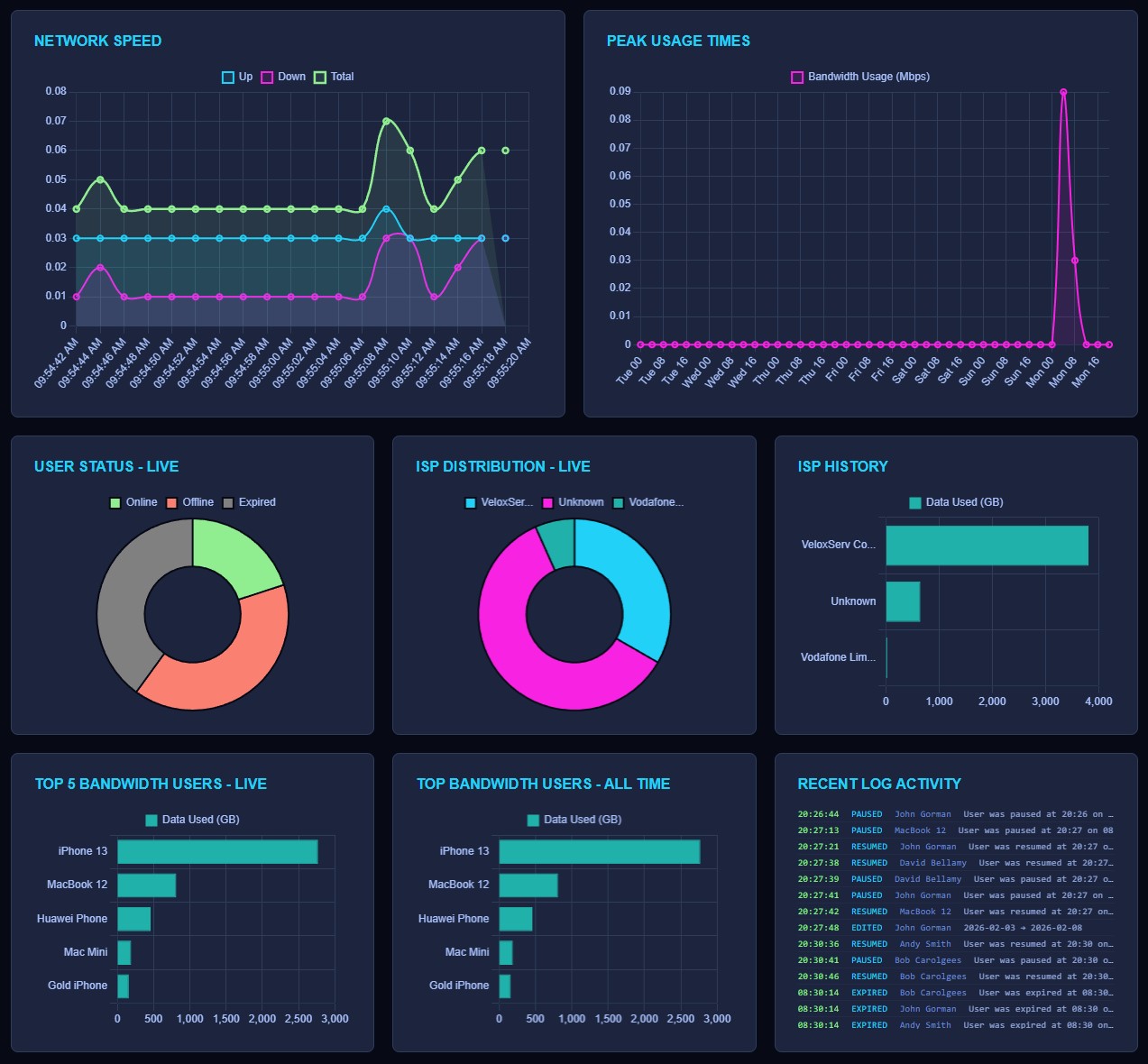
See in real-time all the important information, such as CPU, Ram, Disk and Network Usage. Pie charts and graphs show you instantly how many users are online, where they are connected from, and what actions have recently been taken.
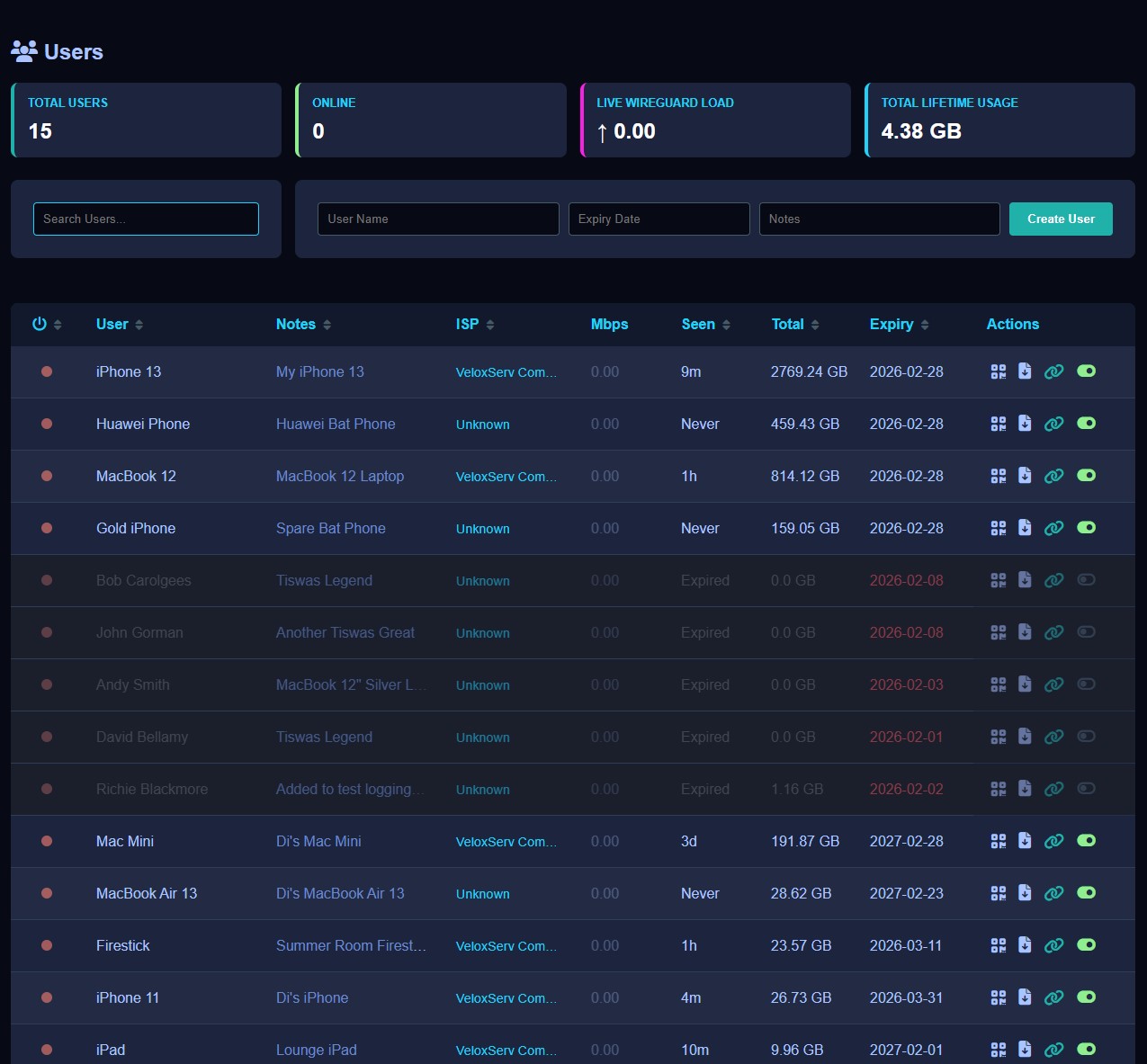
Create, edit, pause and delete users simply. Generate QR codes, download configuration files, or even give out a download link for a client to access directly. See their usage statistics in real-time, and historically. There's even a test mode for quick access.
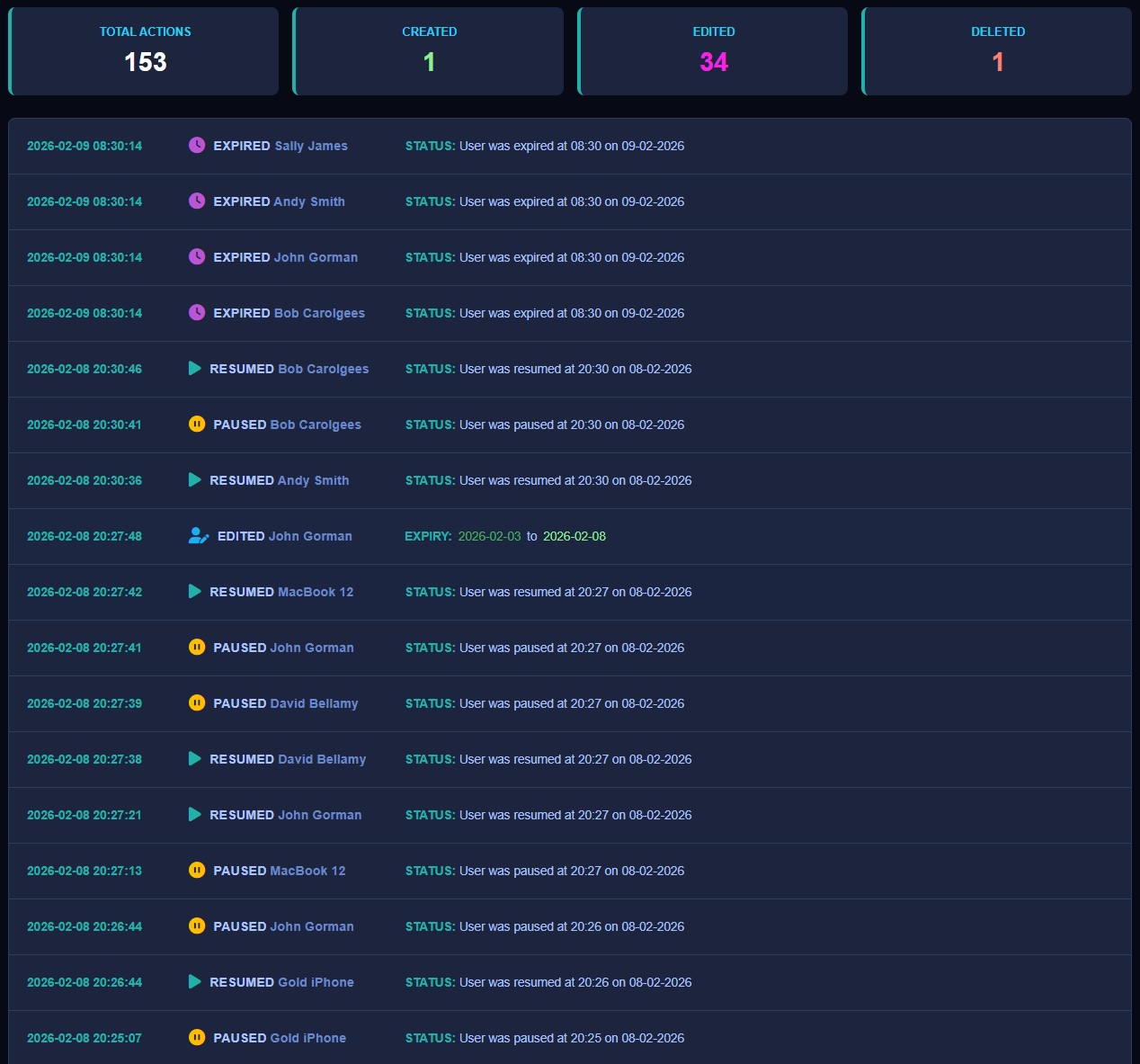
All important actions are recorded to the action log. See when a user expired, was edited, extended, paused, deleted or anything else. Perfect for audit trailing and historic knowledge. Know all about the things that happen on your VPN.
Add, edit, pause, test mode and delete users simply and quickly with the intuitive interface.
The system generates a QR code, configuration file or download link for the user to join.
Set an expiry date on a user and let the system auto expire it for you, completely hands-free.
Block a user temporarily with the Pause option. Then unpause them when you are ready.
Put an expired user into test mode. This turns them back on temporarily for up to 12 hours.
Granular stats let you see how much a user is consuming, both in real-time and historically.
A single user who wants to run their own VPN for family and friends, or to simply defend their right to privacy
Someone who works or lives abroad and wants to "be" in a specific country for banking, betting apps, TV, etc.
So many use-cases for a small business, eg. an accountancy with little IT knowledge that wants security.
You could even create yourself a mini VPN service for others to enjoy WireGuard, under the AGPLv3 License.
On your clean Ubuntu 24.04 server, simply paste the below script into your terminal's command line and follow the prompts - I take care of the rest. See this video for guidance.
Note that Wire Admin may work on other versions of Ubuntu but they have not been tested. If you choose that flight, you're on your own, Captain.
sudo wget https://github.com/Suntrino/wireadmin-download/releases/download/v1.0.0/install.sh -O /tmp/install.sh && sudo chmod +x /tmp/install.sh && sudo /tmp/install.sh